AegisVision
A downloadable tool for Windows
◈ AegisVision — Hybrid Privacy Shield Studio
Real-time, on-device privacy for your screen.
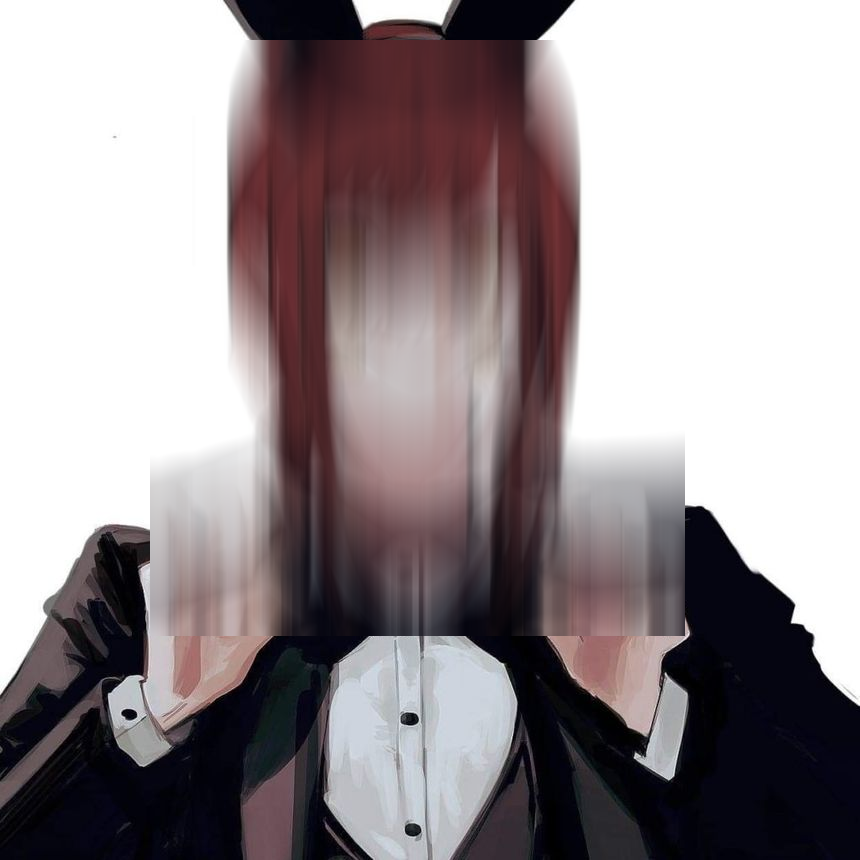
Censor, blur, or stylize anything on your desktop — faces, skin, clothing, hands, or specific body regions — before it ever hits a screenshot, stream, or recording. Everything runs locally. No cloud. No accounts. No telemetry.
CORE FEATURES
• 37 censor styles — Gaussian blur, heavy blur, pixelate, mosaic, frosted glass, motion blur, radial blur, black/white boxes, checkerboard, redaction bars, censor bars, scanlines, halftone, tints, invert, noise, glitch, chromatic aberration, cartoon, sepia, duotone, hue shift, vignette, TV static, emoji covers, big text, warning signs, skulls, no-entry signs, and more.
• Exact skin tracer — wont work correctly
• Tattoo Studio — Still in development (still very terrible )
• SFW Blur mode — the inverse of censoring: blurs everything except skin. Perfect for showing your face or body while hiding your room, clothing, or screen text behind you.
• Face + body detection — needs more tunning also in development
• Desktop overlay mode — real-time censoring of your actual screen. Windows-native exclusions keep AegisVision itself invisible to screen capture, so you see the censor but your viewers don't.
• Sandbox mode — load any image or video and tune detection live. Great for testing styles before going live. (might fail plz send feedback and crash reports)
• Live tuning panel — 11 sliders to dial in detection. Skin tolerance, tracer smoothing, edge refine, face padding, body scale, blur radius, per-detector confidence, min region size, max region count.
• Cycle mode — auto-rotate censor styles on a timer. Great for demos.
• Presets — save and load full configurations as JSON.
• Snapshot system — one key saves original, censored, and detection-annotated frames side by side, plus a JSON manifest of everything detected.
SYSTEM REQUIREMENTS
• Windows 10 or 11 (64-bit only)
• ~500 MB disk space
• 4 GB RAM minimum (8 GB recommended for smooth real-time)
• A modern CPU no GPU required
• No installation no Python no dependencies just run the .exe
.
PRIVACY & AI
Everything is local. No internet connection required after download. No accounts, no tracking, no analytics, no data leaves your machine. Models are downloaded once (bundled inside the exe) and run entirely on your CPU.
AegisVision is built on open-source components:
MediaPipe (Apache 2.0), OpenCV (Apache 2.0), onnxruntime (MIT), NumPy (BSD-3), Pillow (HPND), mss (MIT), Tkinter (PSF), and community-trained detection models released under MIT / Apache 2.0 / OpenRAIL licenses. Full license texts ship inside the app.
AI was used very lightly for ideas , and English grammar , and a very minimmal portion of the code (importing and recommending libraries, tidying the code etc )
Download
Click download now to get access to the following files:
Leave a comment
Log in with itch.io to leave a comment.